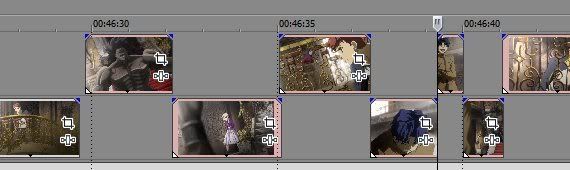
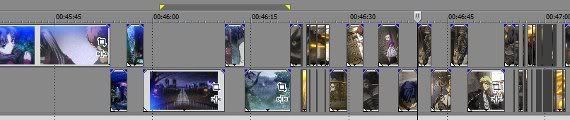
- Whenever there is a large difference between frames (like a scene change), AutoClip makes a cut:
The alternating up/down pattern helps identify the start/end of a scene:
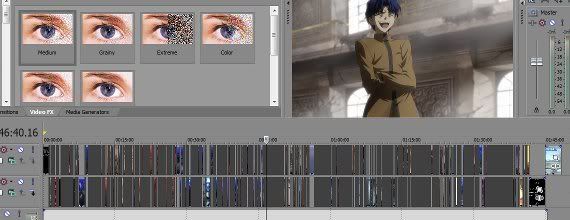
Now you can have all the scenes at your fingertips, automatically!
REQUIREMENTS:- 1. CCCP
2. Windows-based computer
3. AviSynth (included in AMVapp)
4. ffmpegsource2 (included in AMVapp; AVSPluginPack)
5. (Optional) Sony Vegas Pro (if using MODE 3)
- MODE 1 --> Creates .log file of scene changes
- MODE 2 --> Creates AviSynth Trim() Scripts
- MODE 3 --> Creates VegasEDL.txt project file
- SCENE-SENSITIVITY-THRESHOLD:
- --> HIGH --> Less scene changes
--> LOW --> More scene changes
--> 35 --> Default value
- --> HIGH --> Less scene changes
- 1. Download "AutoClip.zip" | mirror1 [51KB]
2. Unzip to any location (right-click >> extract)
3. In windows, Drag-and-Drop video file(s) onto "AutoClip.bat"
4. Open the generated VegasEDL.txt file with Sony Vegas Pro
I haven't really tested it much, so any feedback would be appreciated.
Enjoy!
~Phan