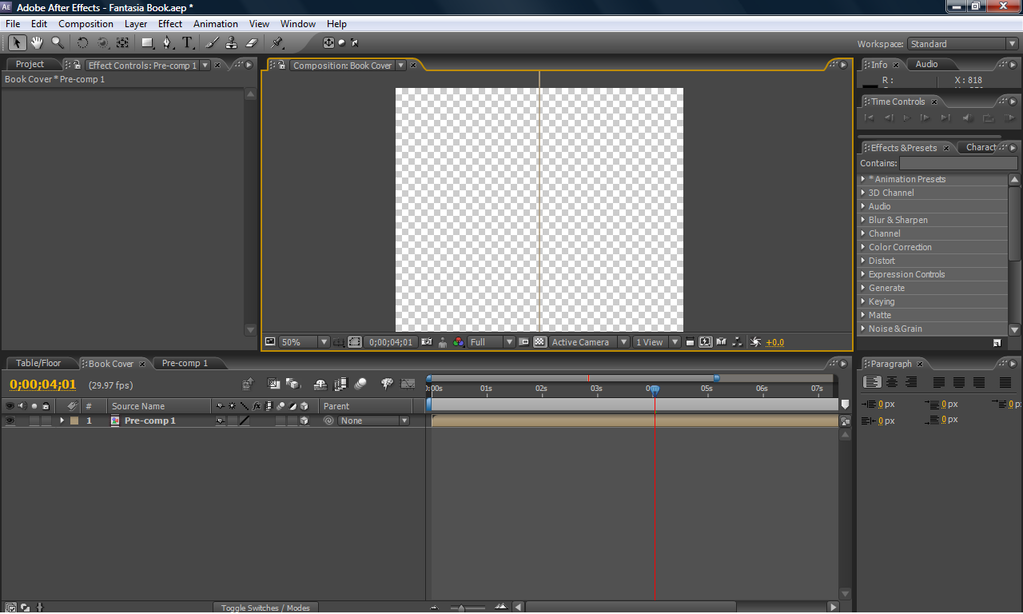
And i was thinking would it look nice if i leave the size of the book into a square or maybe change it to a rectangle?
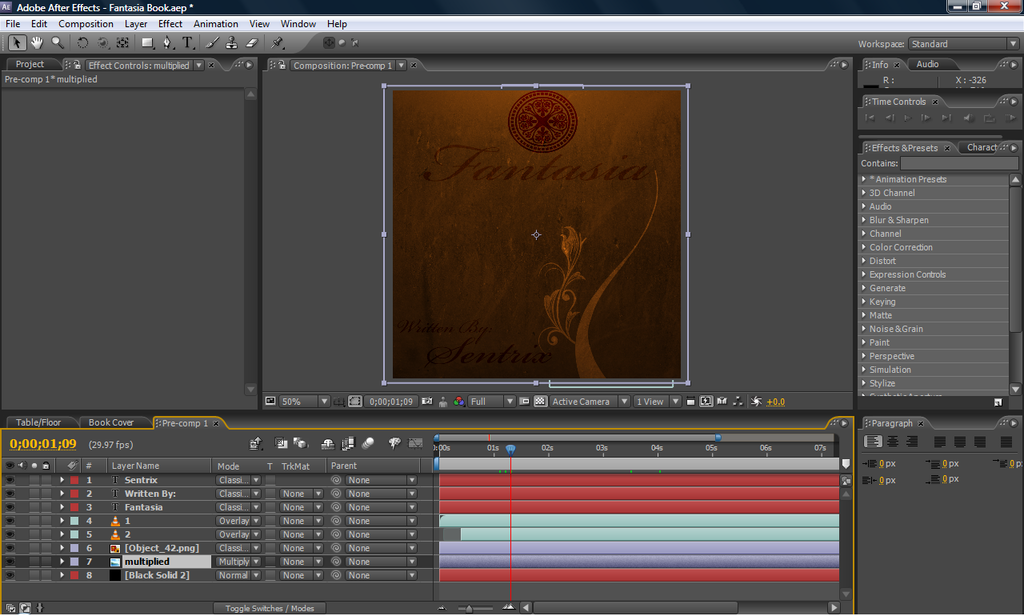
Any help are welcome


 <<..:: Click Me ::..>>

Thats what I was kinda afraid of... is Zaxwerks 3D Invigorator Pro expensive? and i heard something about maya used in the amv 'Spoil', but the softwares name it self sounds expensive, so i doubt i can afford one...Brad wrote:Unfortunately, this is a major stumbling block. After Effects, while it does theoretically work in "3D space", it's still only working with 2 dimensional objects. Your image has an x-width, and a y-height, but no z-depth. There are ways of getting around it, but personally none that I find all that intuitive or practical, but others do find them to be useful. Try out Zaxwerks 3D Invigorator Pro.
Another thing you could try is making another 2D layer, rotating it 90 degrees (on the y axis) and pushing it right to the corner edge of your other 2D plane. I've made some 3D boxes using this method, but it's fairly tedious.
<<..:: Click Me ::..>> 
thanks for the linksLivingFlame wrote:Ha, 'expensive' is an understatement for Maya.
As for the Zaxwerks program, Invigorator Classic is $250 and Invigorator Pro is $400.
You can get a 30 day free trial of Maya. I don't know about Invigorator.
I don't know the answer to your last question either. Sorry.
and as for the last question i made was kind of stupid, i totally forgot i can just pre-comp the thing. <<..:: Click Me ::..>> 

Sure, will do... zaxwerks looks a bit wierd imo O_oblabbler wrote:brad is right, building a box is the simplest way, unless you feel the need to learn blender or shell out on more something more expensive.
zaxwerks is really steep for what it gives you. it was also a bit unstable last time i played with it.
look me up on aim if you want to see my half-assed approach to this problem.
<<..:: Click Me ::..>> so cinema4d can create a 3d book? and for that option for ae to have would be really nice...Brad wrote:It is. And unfortunately it's one of the only real solutions for "good" 3D object integration within AE. With CS4, they allow you to import Photoshop 3D layers, which in turn requires you to already have a 3D model to import into Photoshop. So if you could find a pre-made 3D model of a book, that'd be one way to go. Frankly though, AE still has a long way to go to allow for "true 3D" within the interface. They really just need to completely overhaul the code for that to happen. For now though, the best way to do solid 3D graphics integration with AE is to use Cinema4D, since the two work better together than any other solution I've found. Still though, if AE had the ability to just make really simple primitives (cubes, spheres, cylinders, 3D text, etc.) right within the interface and let you interact with them the same way you interact with 2D layers in the 3D space, it'd be a HUGE update.
<<..:: Click Me ::..>> 
